50%
fewer testing resources, with wider coverage
Test automation, accessibility fixes, and 15-language support that helped a small team improve Sphero's STEM education app across devices and classrooms.
Sphero
2019–2021
Product quality & accessibility
QA
Automation
Localization
Accessibility
50%
fewer testing resources, with wider coverage
15 language
supported across the apps
4 platforms
including iOS, Android, Chrome, and Kindle
The challenge
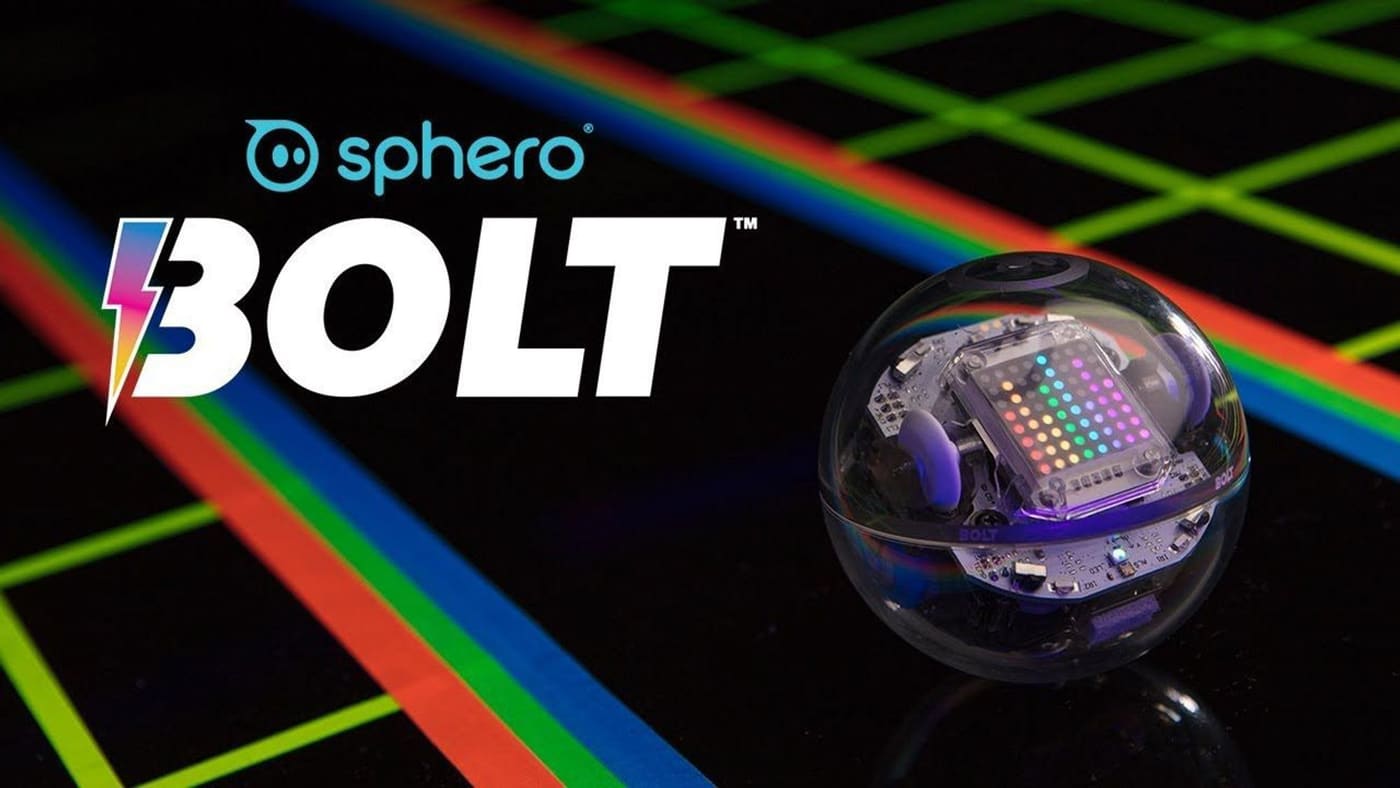
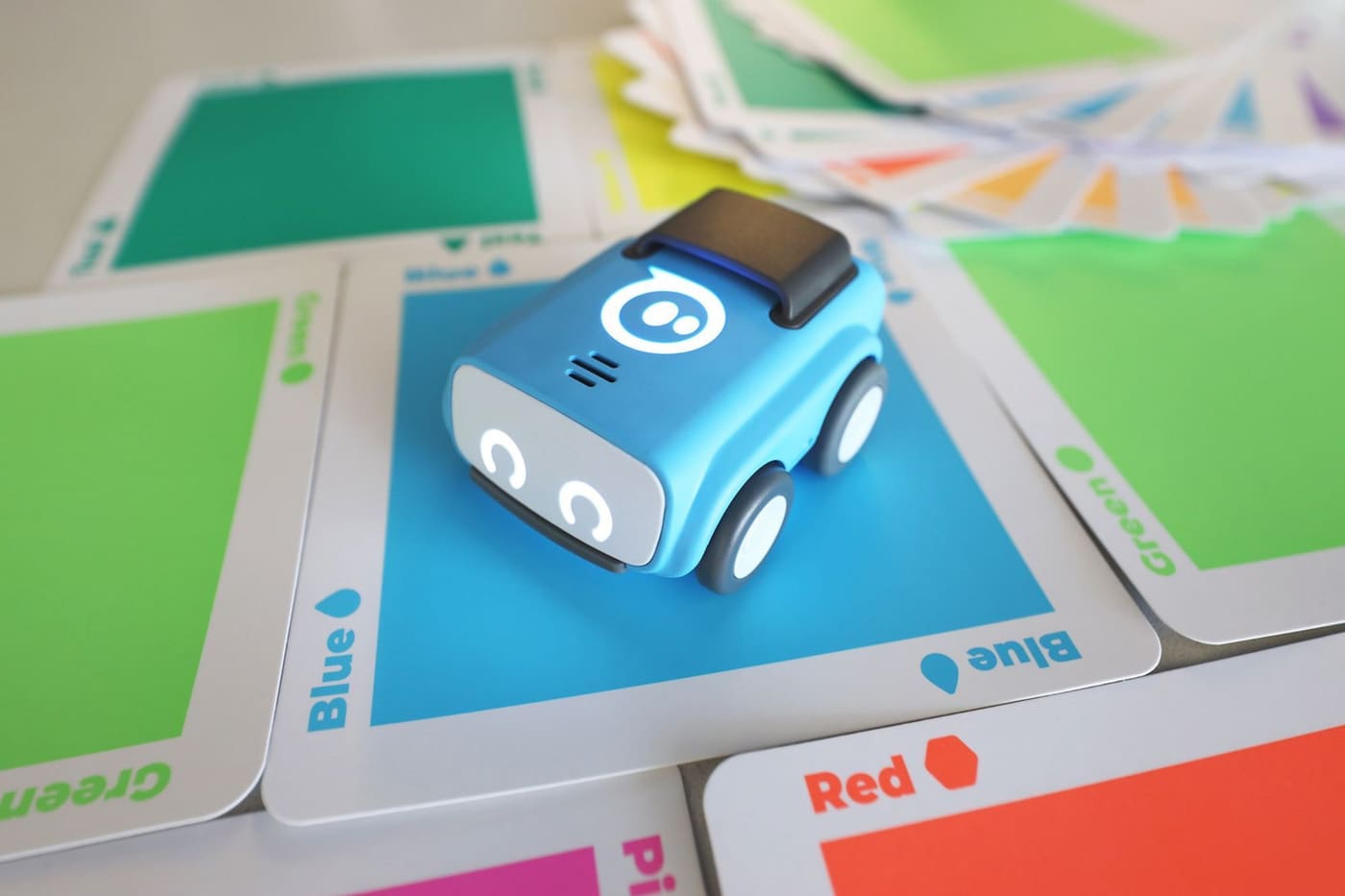
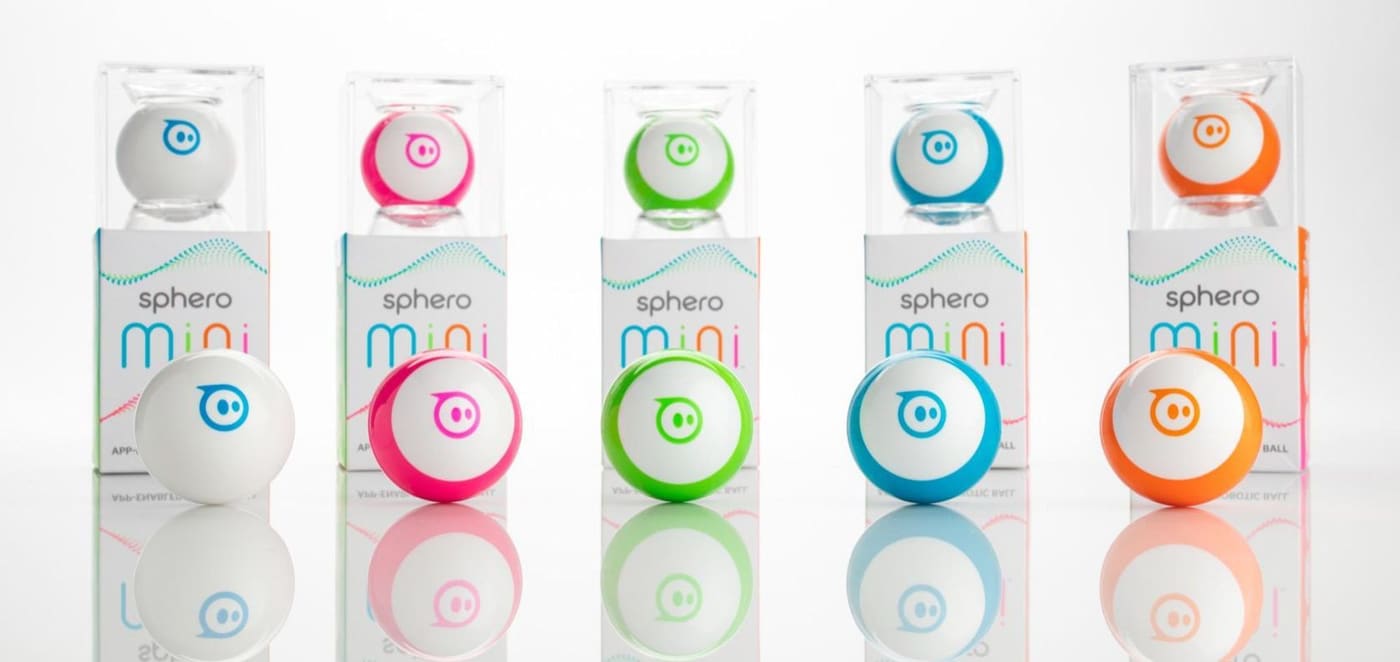
After years of making consumer toys, Sphero narrowed their product focus on STEM education robots. The team was smaller, and the company needed to quickly expand their customer reach in the education space. I took on QA leadership, localization, and accessibility support at the same time, so every hour of testing had to count.
My role: QA lead, localization manager, and accessibility advocate. I built the test automation, coordinated translations, and pushed for accessible, responsive design.
The approach
01
Automating functional testing was a top priority with our small testing team. I built a Ruby and Appium test framework to test on virtual devices in Firebase Test Lab to focus on connection and functional testing. That freed our limited resources to focus on human-robot interaction and experience testing.
02
Setting up the automation revealed that screen elements that were missing screen-reader labels. Adding them made the app easier to test and easier to use for students with visual impairments.
03
I coordinated translation into 15 languages and responsive layouts for phones, tablets, and desktops on iOS, Android, Chrome, and Kindle. Where possible, we used icons in place of text to keep the interface more universally accessible.
The product
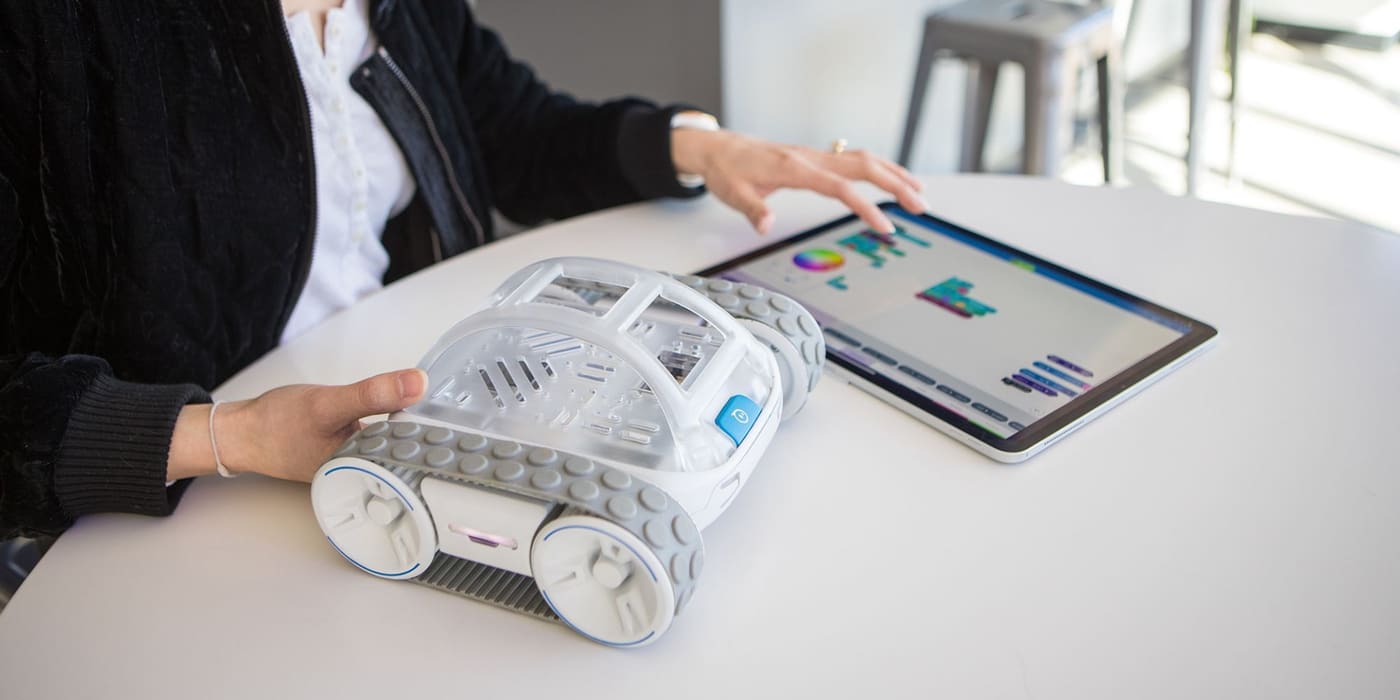
Coding screens and device layouts from the Sphero Edu app, built to work in real classrooms across the full robot lineup.


Outcomes
Next step
Let's talk about how you want your business to grow. We'll decide together what matters the most and where to get started.
A free 30-minute chat. No pressure, and no tech talk needed.